
How to Use AI Assistance in Teamscale
Teamscale integrates large language models (LLMs) to assist with everyday code quality work. The following AI-assisted features are available in the web UI:
- Agentic merge request reviews: AI review agents that review the changes of a merge request.
- Code summaries: A natural-language summary of a code file.
- AI-suggested finding resolutions: A concrete code change proposal that resolves a finding.
- AI Test Clustering: Ranks tests by dissimilarity to build a diverse smoke-test suite within a limited budget.
The following topics will be covered in this guide:
Prerequisites
All AI features require an administrator to configure an AI model provider and model routing rules, as described in AI Model Providers. Each feature is available only if a routing rule selects a chat model for its task. Since routing rules can match on users, groups, and projects, a feature may be available in one project but not in another. If a feature is not configured, its menu entry is disabled with a tooltip explaining which routing rule is missing.
AI-Generated Content
All results of these features are generated by LLMs. Due to the nature of AI, the results may not be fully accurate, so check them carefully before relying on them.
Code Summaries
Code summaries give you a quick orientation in an unfamiliar file without reading it top to bottom.
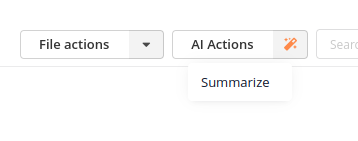
To generate one, open a code file in the Metrics perspective and choose Summarize from the AI Actions menu.
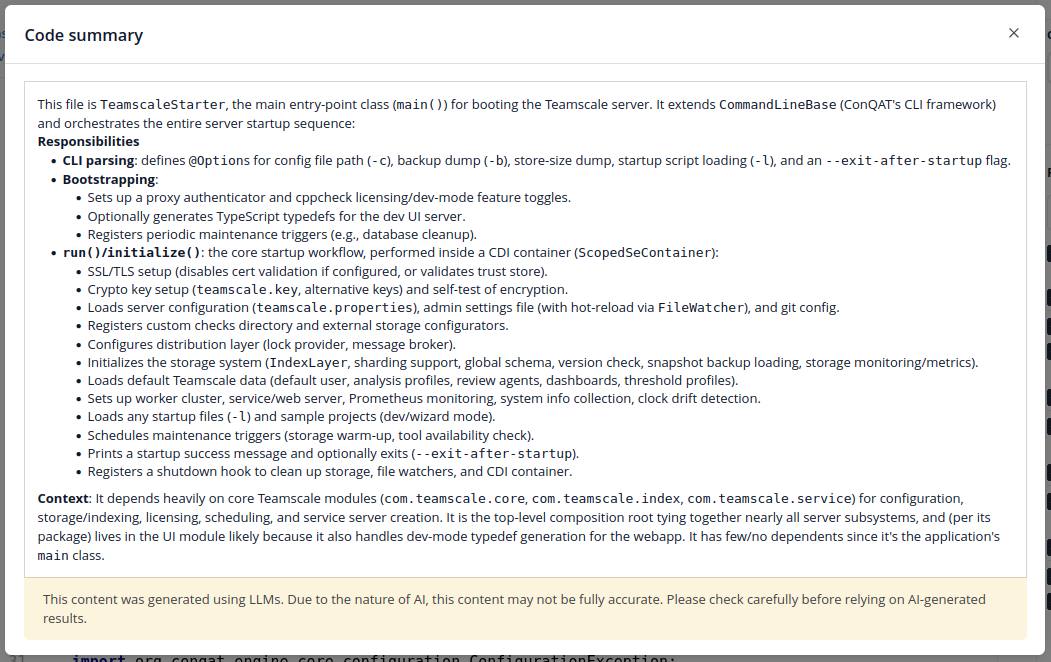
The summary is shown in a dialog once it has been generated. To produce an accurate summary, the model may search and read related files and look up the file's incoming and outgoing dependencies.
AI-Suggested Finding Resolutions
For a finding, Teamscale can suggest a concrete code change that resolves it.
Open the finding in the Findings perspective and choose Suggest resolution from the AI Actions menu. The model receives the finding message, the finding's description, and the surrounding code, and proposes a fix. The result is shown as a side-by-side comparison of the existing and the suggested code.
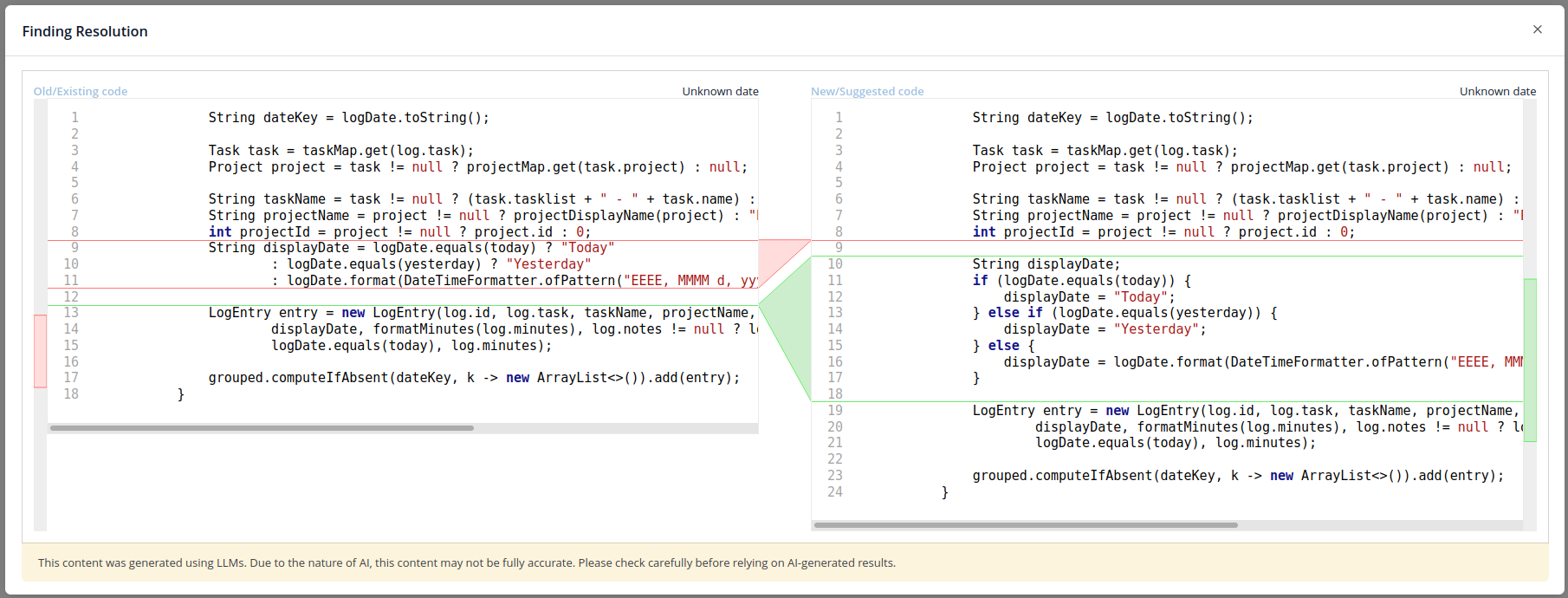
Teamscale does not change any code: you review the suggestion and apply it manually in your working copy. The model may also conclude that the finding is a false positive or that it cannot find a resolution, which is then reported instead of a code change.
INFO
The finding resolutions use a one-shot approach, which doesn't properly support findings that need multi-file edits. Thus, suggestions are only offered for findings located in a specific code region, because the model needs concrete code to modify. Code clone findings, for example, are currently not supported.
If you want to address more complex findings or want to resolve multiple findings directly in your code base, we recommend integrating Teamscale into your coding agent using MCP or the Teamscale Agent Plugin, which works in both Claude Code and GitHub Copilot CLI.
Monitoring AI Usage
Administrators can inspect all AI interactions, including the full prompts and responses, in the AI Log, and aggregated token and cost statistics in the AI Usage view, both in the AI Assistance perspective. See Monitoring AI Usage for details.