
How to Connect to JFrog Xray
Teamscale integrates with JFrog Xray (a Software Composition Analysis tool) using the API provided by JFrog.
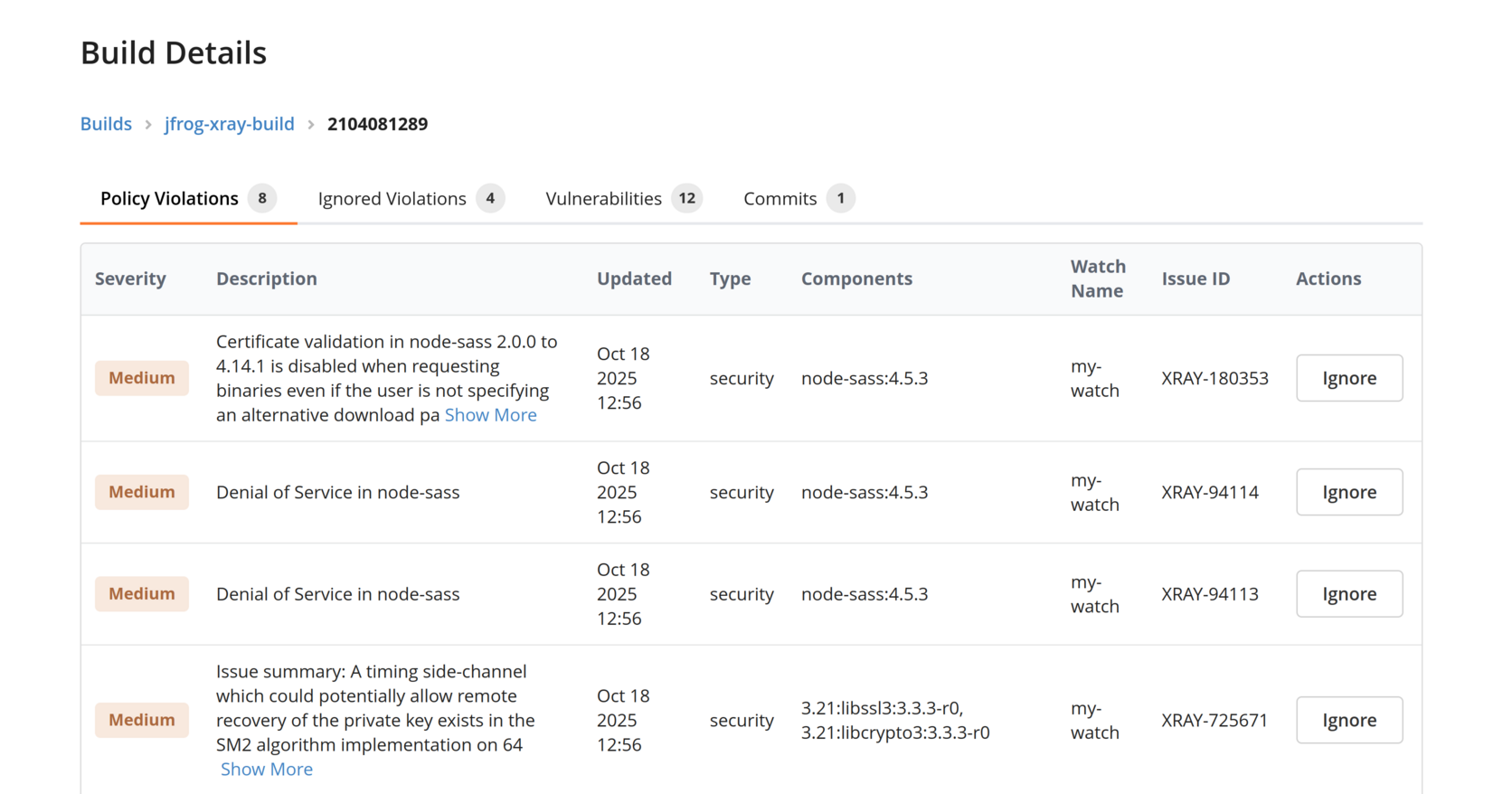
JFrog Cloud only
As of now, only the cloud version of JFrog Xray (https://<company>.jfrog.io) is supported
Setting up a JFrog Xray Connector
To set up the JFrog Xray integration, create a new Teamscale project (or edit an existing one) in the Projects perspective. Add a new connector of type Software Composition Analysis (SCA) Tool and choose JFrog Xray:
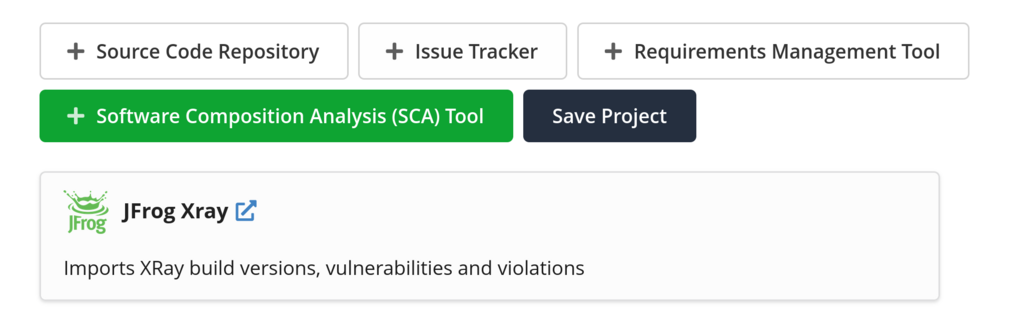
The following fields need to be filled:
Account: Use an account for JFrog Xray with the following data:Accout Name: choose freely (e.g. "Xray")URI: the URL of your JFrog Xray cloud instance, e.g.https://<your-company>.jfrog.ioAPI Key: Either an Identity Token or an Access Token, as configured in JFrog. Note that only one access token can be configured, so it needs to allow access to all Xray projects specified in theJFrog Project Keysoption (below).Token Permissions
Some Teamscale features (e.g. working with ignored violations) need the "Manage Policies", "Security Manager" or equivalent role to work. Choosing a token with fewer permissions can lead to only partial data being visible in Teamscale.
JFrog Project Keys: The project keys of all JFrog projects to fetch data for. The format is typically<...>-project-key.Including JFrog's Default Project
To include JFrog's default project, add the entry
artifactory
Xray-related Features in Teamscale
Once set up, Teamscale can perform the following tasks regarding Xray:
- fetch scanned builds and their versions from Xray
- load vulnerabilities and policy violations for these build versions
- see the commit(s) associated with a build version, and see the links from builds to code commits (and vice versa) in Teamscale
- fetch ignored violations (Ignore Rules) from Teamscale [*]
- create new Ignore Rules and sync them to Xray [*]
- delete Ignore Rules in Teamscale (synced with Xray) [*]
[*] = requires an JFrog access token with the "Policy Manager" permissions
Storage of Artifacts in Teamscale
Xray artifacts (e.g. builds or scan results) will still be present in Teamscale after the retention period in Xray has ended.